3d Juump Ace – Navigation Mode
3D Juump Ace is easy to use. A few simple clicks allow easy navigation between elements. Navigation Hidden objects and ghosts are accessible by a simple click. Different paths are possible for more flexibility. Right



3D Juump Ace is a standalone multiformat and multifunction 3D CAD viewer for people who think a design software is oversized for their job.
Open 3D files (CATIA, SolidWorks, Pro-E/Creo, NX, JT, IGES, STEP, Parasolid, 3DXML…) directly on your computer.
Analyze your files by hiding parts of the assembly or by creating different views. You can use cut plane or measure tools.
Share your files via 3D open formats (FBX, VRML, OBJ, STL, COLLADA, GLB, glTF2).
Reduce the number of triangles in your 3D assembly while preserving their original visual quality.
Export the result to open file formats so as to integrate it into your usual platform (augmented reality, virtual reality, training, 3D printing…).
Analyze your systems and their subsystems.
Prepare 3D views to facilitate the work of illustrators (colorization, filtering, moving parts, tags…).
Provide the vector model of the final result: the illustrator will have a detailed and ordered vision of the expected operation and all the necessary elements for its realization.
Whether you work on technical documentation, communication or business, you need to annotate or simplify your 3D assembly.
Thanks to its optimized software architecture, our 3D viewer lets you review complex 3D CAD assemblies easily, on any Windows computer or laptop equipped with a graphics card.
25€*/Month
*Based On French Microsoft Store Prices (Excluding Tax) For A Monthly Subscription Without Commitment. Price May Vary Depending On The Conversion Rate And Taxes Of The Purchaser’s Country. Non-Contractual Information.
The interface of 3D Juump Ace is designed to be immediately convenient to use. You don’t have to be a CAD expert to make the most of it.
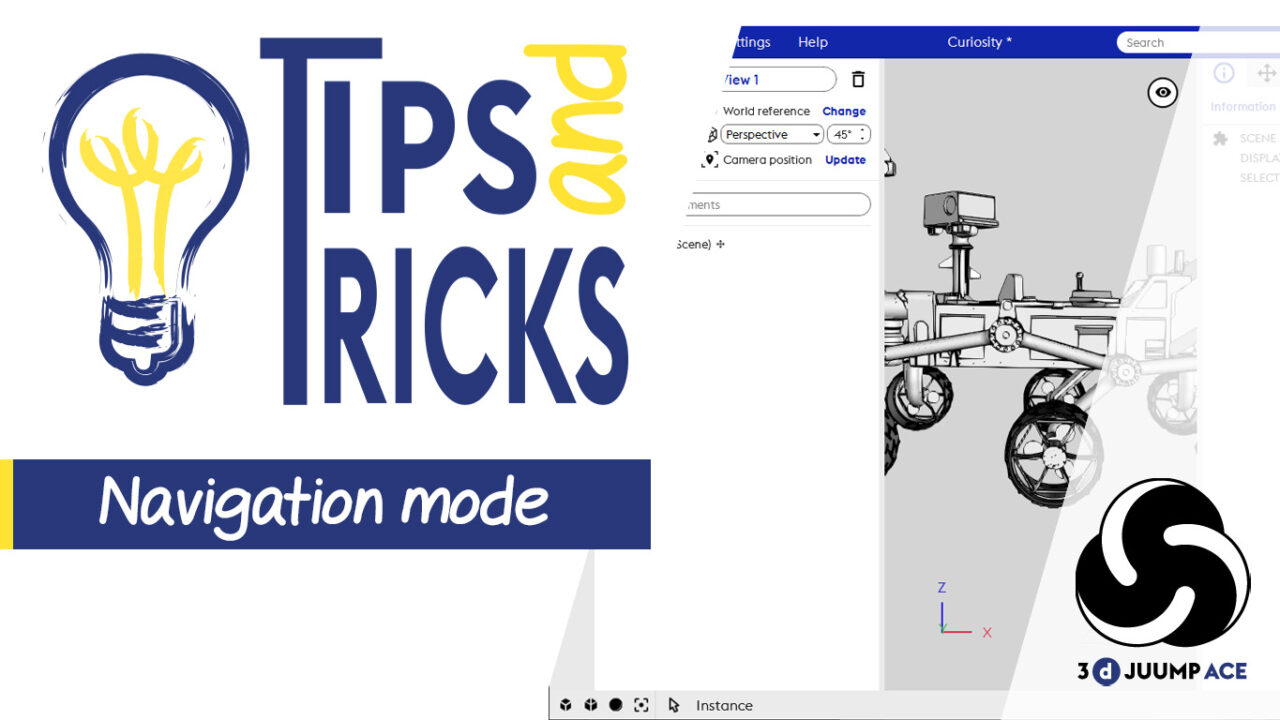
3D Juump Ace is easy to use. A few simple clicks allow easy navigation between elements. Navigation Hidden objects and ghosts are accessible by a simple click. Different paths are possible for more flexibility. Right

“Illustrators have real computers to create CAD drawings, but we redactors only have laptops for office automation” Eric is technical redactor at Akka Technologies and uses 3D Juump Ace to deliver technical documentation for Airbus

Laurent Galaup is project expert at Akka Technologies, he conceives storyboards for training modules. Hello, could you please describe your job? I work as a technical designer for training. I create storyboards destined to the
Laurent Galaup, Project Expert : “A better understanding of a complex system.” Read More »

In this quick tips tutorial, we will see how to use Settings to customize your interface. Side Panels In this tutorial, we will see how to use Settings to customize your interface. By default, you
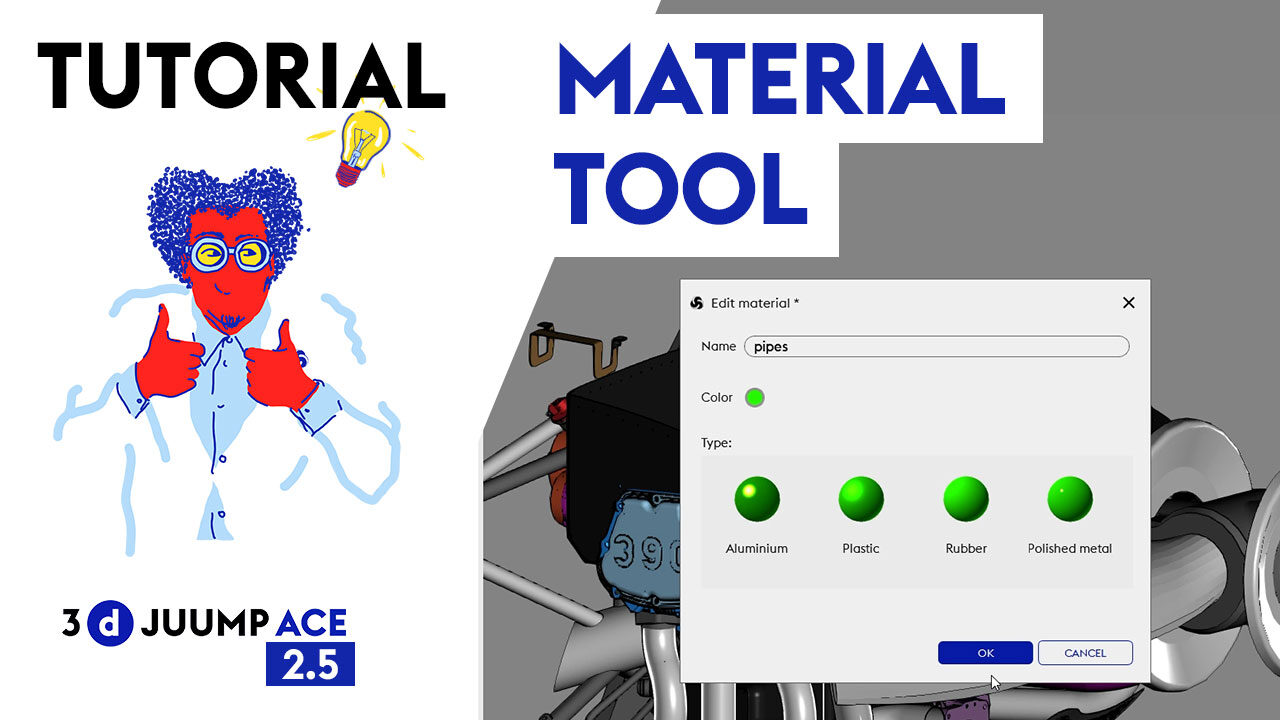
3D Juump Ace is more than a simple CAD viewer. Discover how to colorize and add material to objects. Isolate the parts and make your DMU realistic and easy to review. https://3djuump.com/wp-content/uploads/2021/07/Ace-TUTO-colorisation-MASTER-YT.mp4 User Manual Material
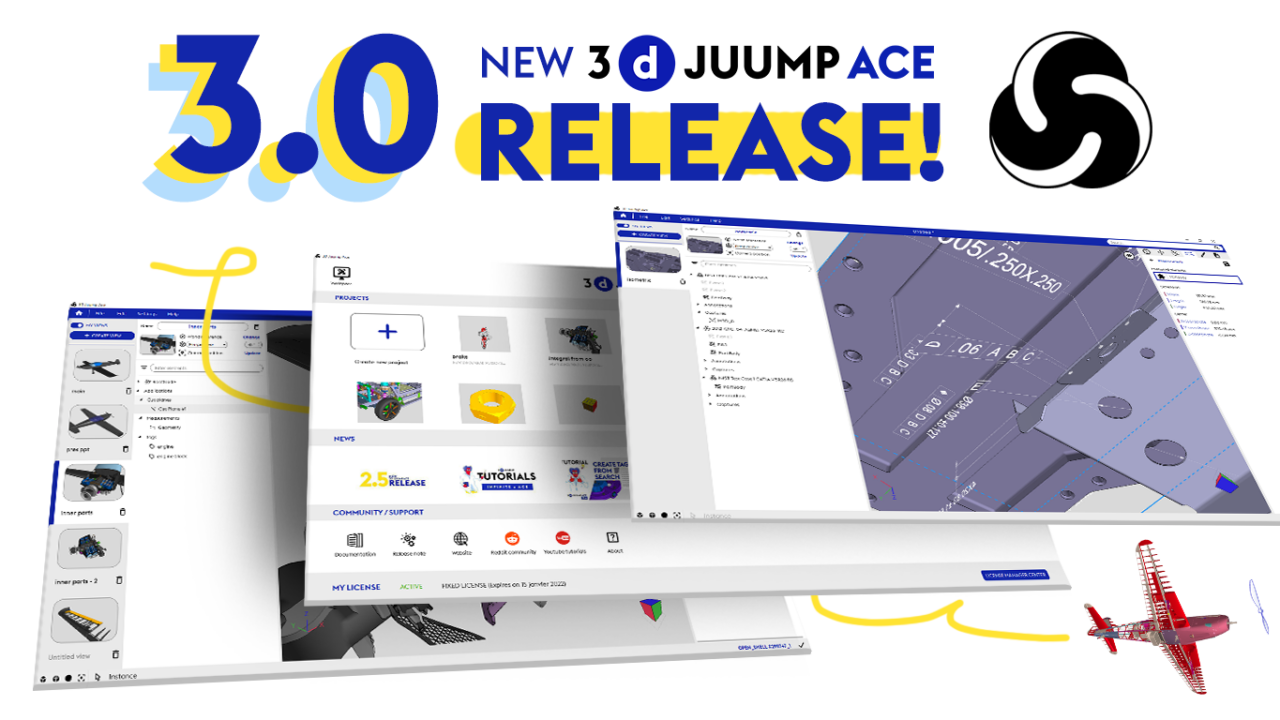
The 3.0 version of 3D juump Ace is out now. And it brings major improvements. Such as annotations management. Discover how this version can make your work easier and faster. Specifically if you’re working on
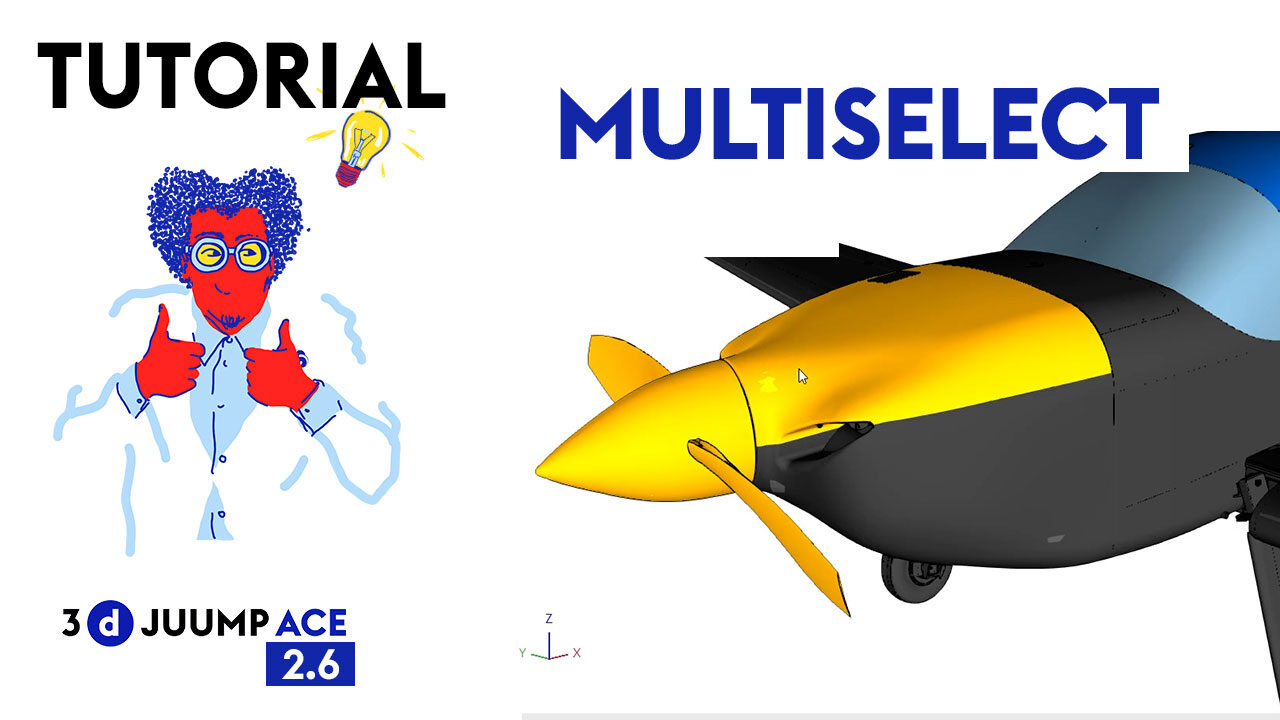
3D Juump Ace is more than a simple CAD viewer. Discover how to select multiple parts and make sure you have selected the ones you need. https://3djuump.com/wp-content/uploads/2021/03/Ace-tuto-tips-multiselect.mp4 User Manual Selection The Selection enables the user
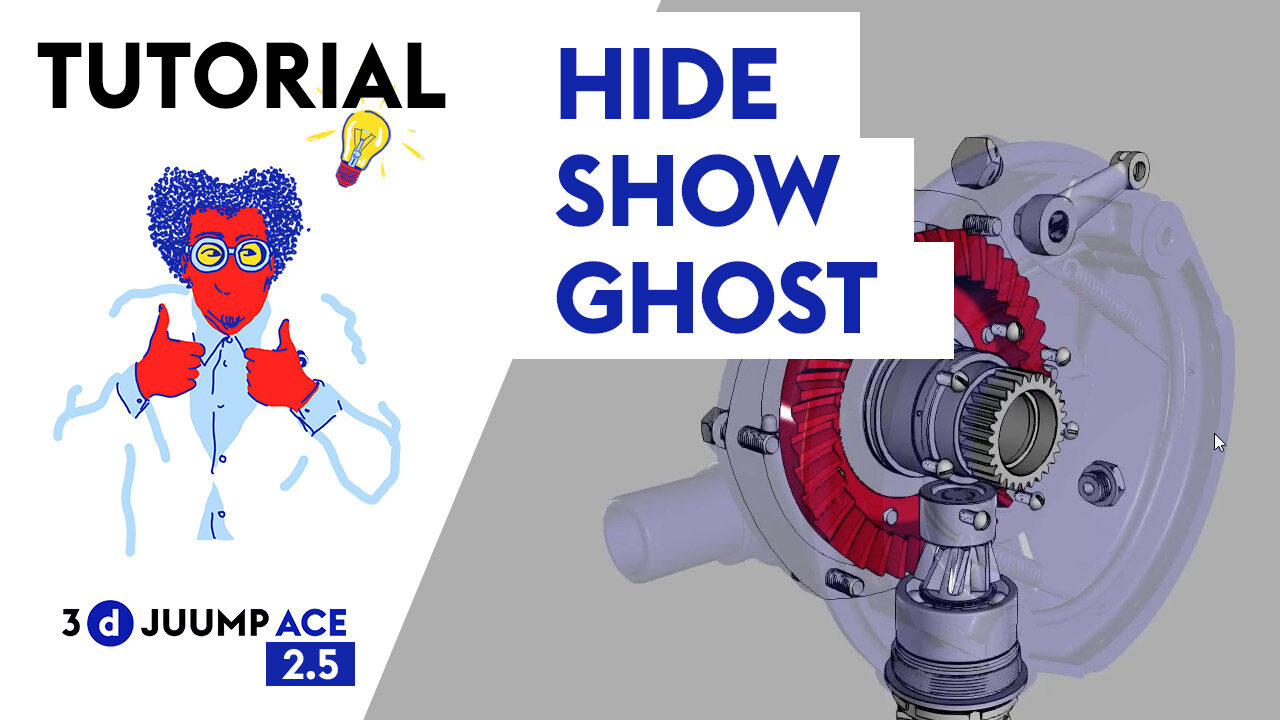
3D Juump Ace is more than a simple CAD viewer. In this tutorial, discover how to hide parts, show others or ghost some. https://3djuump.com/wp-content/uploads/2021/02/MASTER-WEB-Ace_tuto_chap2_cache.mp4 User Manual Edit 3D visible objects The 3D view context menu
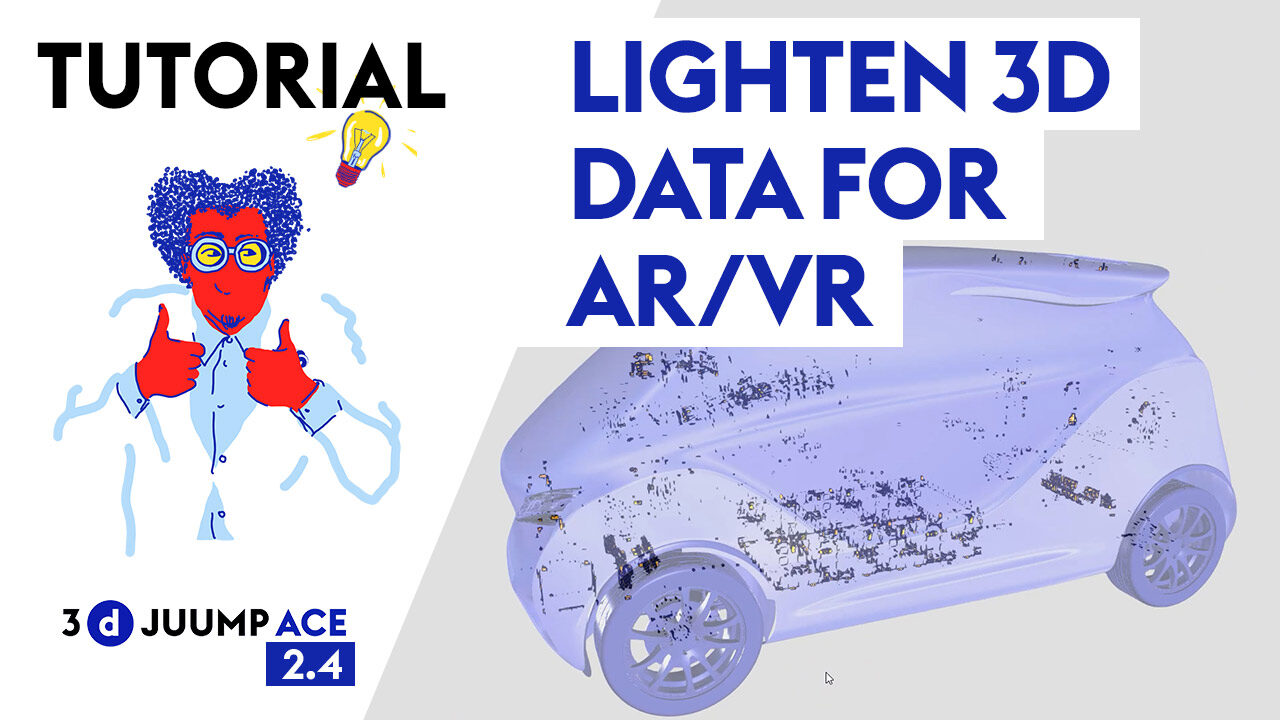
3D juump Ace is way more than a simple 3D viewer. In this tutorial, discover how to lighten your 3D data in order to make them optimized for Augmented reality and Virtual Reality environment. https://3djuump.com/wp-content/uploads/2020/12/MASTER-chap-5-RA-RV-Final-web.mp4
3D Juump Ace Tutorial – Lighten 3D Data for AR / VR Read More »
Discover the new features and enhancements coming along with the new 3D Juump Ace 2.5 version. New formats added, better handling… 11/02/2020: VERSION 2.5 This new version brings notable improvements to the stability and the