
Coordinates
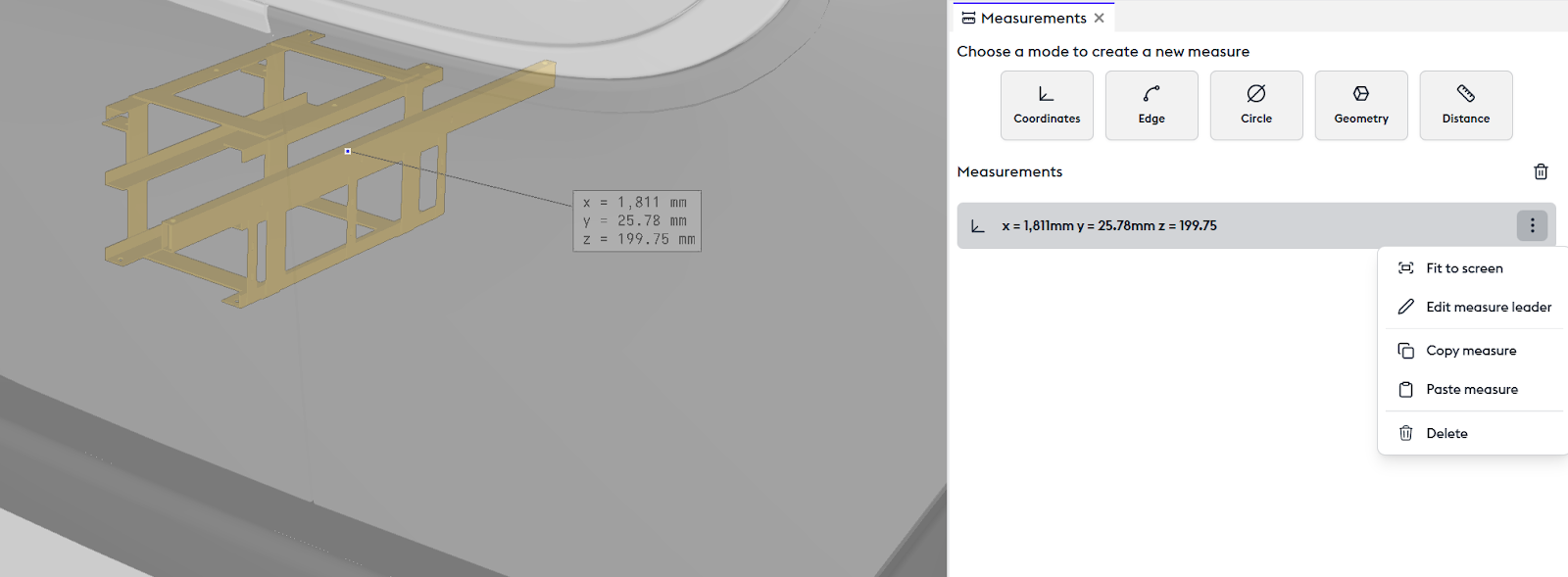
The Coordinates tool allows you to view the position of a point in space — these are the 3D coordinates relative to the origin (zero point). Selecting this point creates an annotation in the 3D view and a corresponding step in the measurement panel.
From this step or via a right-click on the annotation, you can choose to zoom in on this point in the 3D view (“Fit to screen“), move the annotation to a chosen location (“Edit measurement leader line“), copy the value as text (“Copy measurement“), or delete the measurement (“Delete“).
Edge
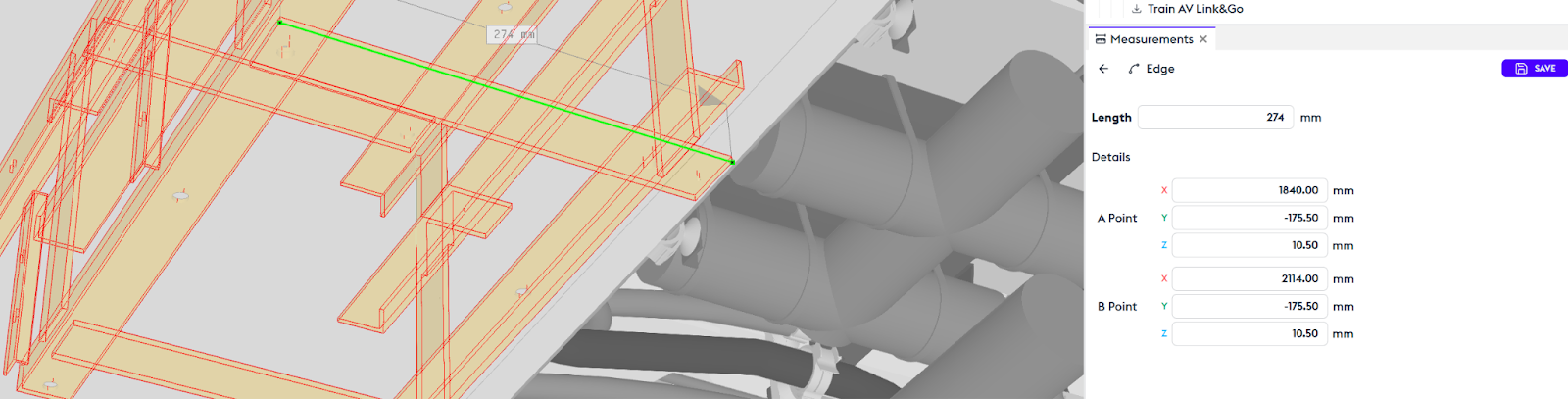
The Edge tool measures the edge of an object. When selecting the object, all its edges become selectable, allowing you to choose one of them. An annotation appears in the 3D view along with its corresponding step in the Measurements panel.
Circle
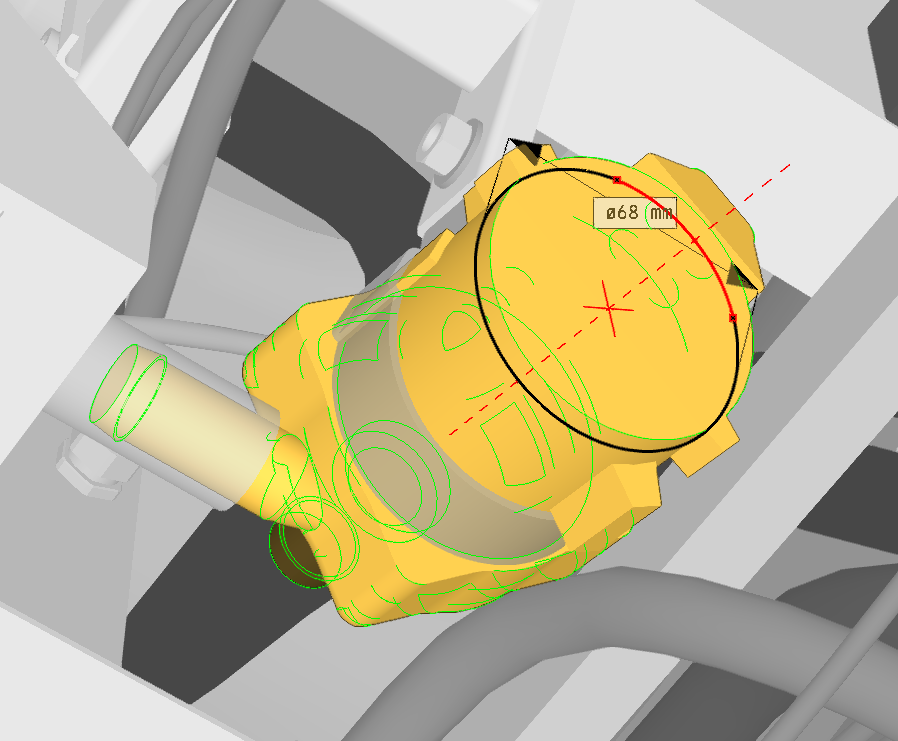
The Circle tool measures the circular diameter of a part. By selecting the part, all available circular measurements are displayed for that object.
Geometry
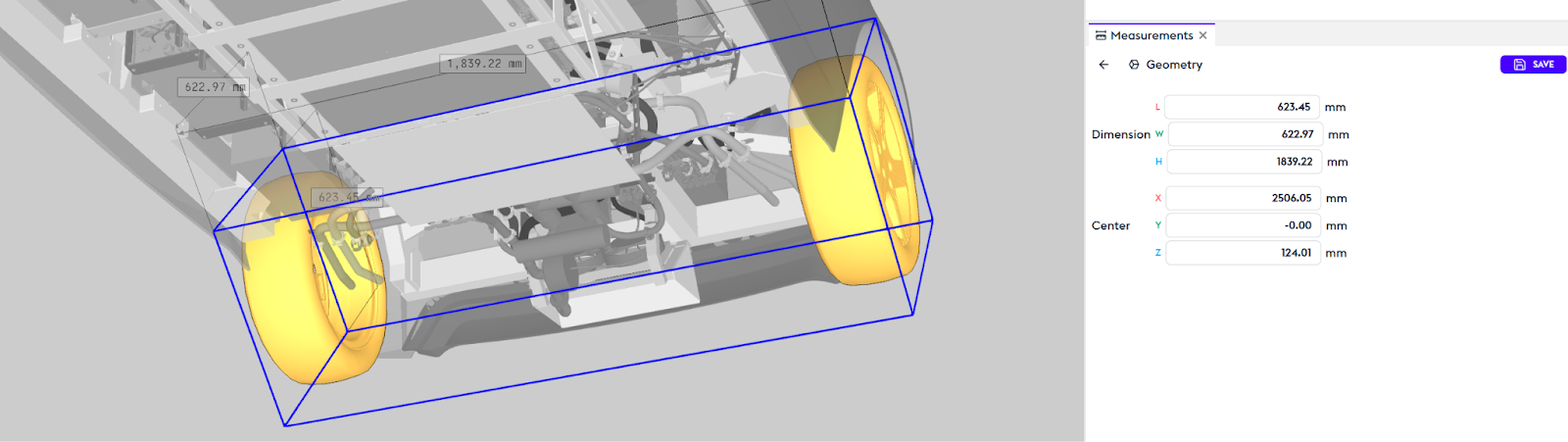
The Geometry tool is used to measure the overall dimensions of a part: length, width, and depth.
Distance
The Distance tool measures the distance between two objects. You can specify in the selection box whether you want to measure from point to point, edge to point, etc.
You can choose to delete the destination point to restart, or the starting point. Like all other measurements, this distance will be saved in the history.